

By PingTV News Desk | Updated: February 12, 2026
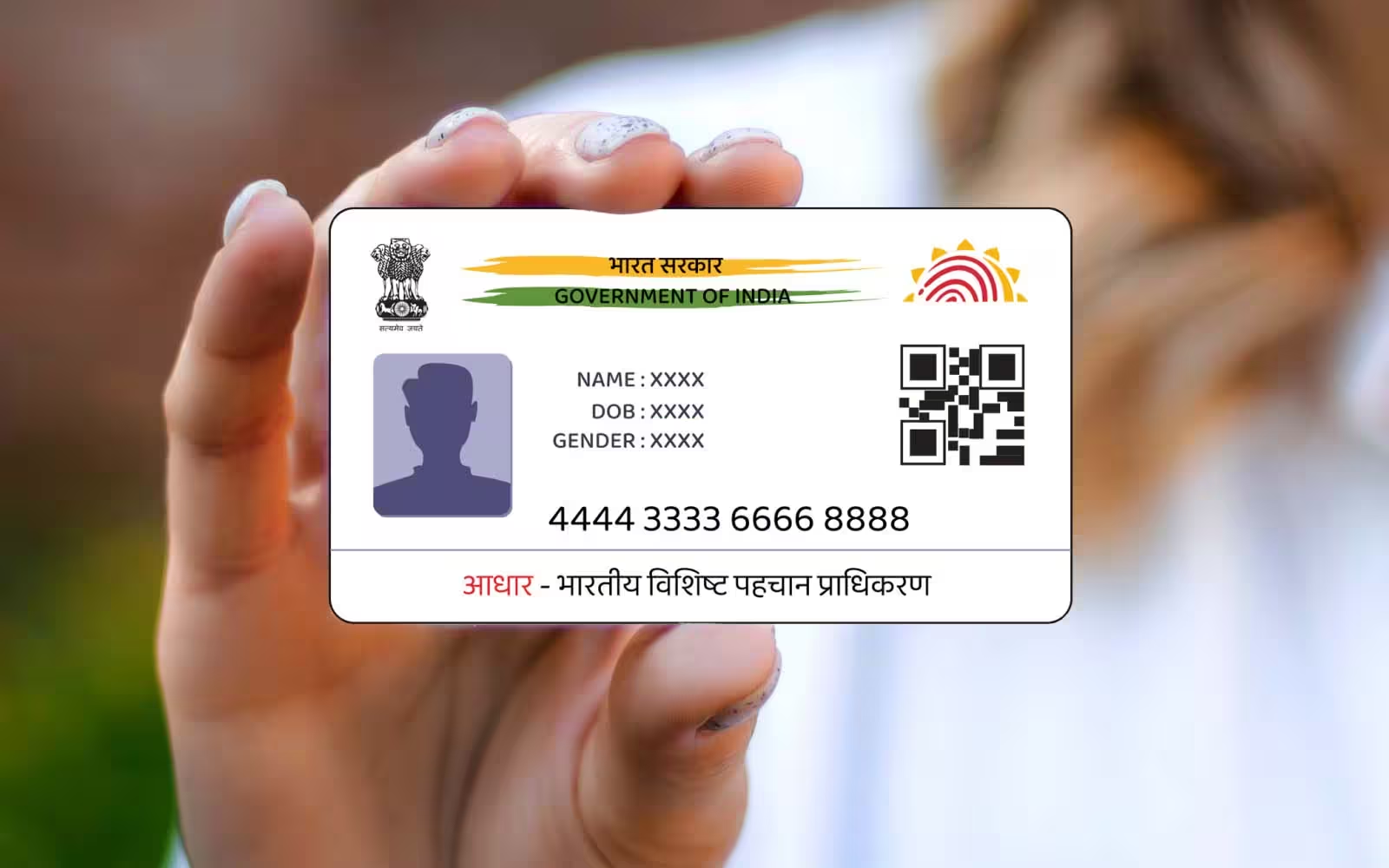
The Unique Identification Authority of India (UIDAI) has officially launched its next-generation Aadhaar app, introducing a “Privacy-First” digital identity ecosystem. Here is everything you need to know about the new features, the “One Family – One App” concept, and how to update your details without visiting an enrolment centre.
In a significant move toward paperless governance, the Minister of State for Electronics and IT, Jitin Prasada, dedicated the new Aadhaar app to the nation on January 28, 2026. This launch marks a milestone in India’s Digital Public Infrastructure, replacing the older mAadhaar with a more secure, consent-based platform aligned with the Digital Personal Data Protection (DPDP) Act.
Why the New Aadhaar App is a Game-Changer
The 2026 version of the Aadhaar app isn’t just a UI refresh; it’s a structural overhaul of how Indians interact with their digital identity. According to UIDAI CEO Bhuvnesh Kumar, the app’s primary goal is to eliminate the risky practice of sharing physical Aadhaar photocopies at hotels, airports, and hospitals.
Key Highlights:
-
One Family – One App: Residents can now manage up to five Aadhaar profiles on a single smartphone, making it easier for heads of households to manage IDs for children and senior citizens.
-
Selective Data Sharing: Users can generate a “Share ID”—a password-protected file or QR code that shares only specific fields (like age and photo) without revealing the 12-digit Aadhaar number.
-
Offline Verification: The app supports QR-based identity verification that works without an active internet connection, ideal for remote areas.
-
Advanced Security: Features include one-click biometric lock/unlock, face authentication for “proof of presence,” and a detailed authentication history.
Step-by-Step: Update Your Aadhaar Address from Home
Previously, changing an address often required a visit to an Aadhaar Seva Kendra. The new app simplifies this into a few digital steps:
-
Download & Verify: Install the official “Aadhaar” app by UIDAI from the Google Play Store or Apple App Store.
-
Secure Login: Log in using your Aadhaar number and the OTP sent to your registered mobile.
-
Navigate to Services: Select the “Update Aadhaar” or “Address Update” section.
-
Enter New Details: Input your new residential address exactly as it appears on your supporting documents.
-
Upload Proof (PoA): Upload a digital copy of a valid document (Electricity bill, bank statement, or rent agreement).
-
Face Authentication: Complete the identity check using the app’s built-in face ID feature.
-
Payment: Pay the standard processing fee of ₹75 via the integrated payment gateway.
-
Tracking: Once submitted, you will receive a Request Number (URN). Most updates are processed within 15 to 30 days, and the updated card is mailed to your new address.
Now Live: Mobile Number Updates via Face ID
In a first-of-its-kind feature, the 2026 app allows users to update their registered mobile number directly through the app using Face Authentication. This removes a major hurdle for citizens who lose access to their old SIM cards, provided their face data is updated in the UIDAI database.
Security Warning for Residents
UIDAI has issued a cautionary note urging citizens to only use the official app developed by “Unique Identification Authority of India.” Avoid third-party websites or apps promising “instant” updates, as these are often phishing attempts to steal sensitive biometric data.
“At India’s scale, a digital identity system is a matter of public trust. The new Aadhaar App puts control, consent, and convenience firmly in the hands of residents.” — Jitin Prasada, MoS Electronics & IT.
Quick Facts Table: New Aadhaar App 2026
| Feature | Detail |
| Official Launch Date | January 28, 2026 |
| Max Profiles per App | 5 (One Family – One App) |
| Update Fee | ₹75 (Address/Mobile) |
| Security Standard | DPDP Act Compliant |
| Verification Method | Face ID, QR Code, Offline KYC |
| Processing Time | 15–30 Days |
Read More News